Trace any photo. Keep every stroke.

A tracing and sketching app for Android, built for the S Pen and any stylus.

Get it on Google Play

Paid once on Google Play. No account, no cloud, no ads.

The Tracepad wordmark and ring logo with an ember dot, on a dark background.

Features

Open a blank canvas or pick a photo, lower its visibility, and draw over it with pens that respond to pressure. It works with the S Pen on Galaxy phones and tablets, any active stylus, or a finger.

Trace with confidence

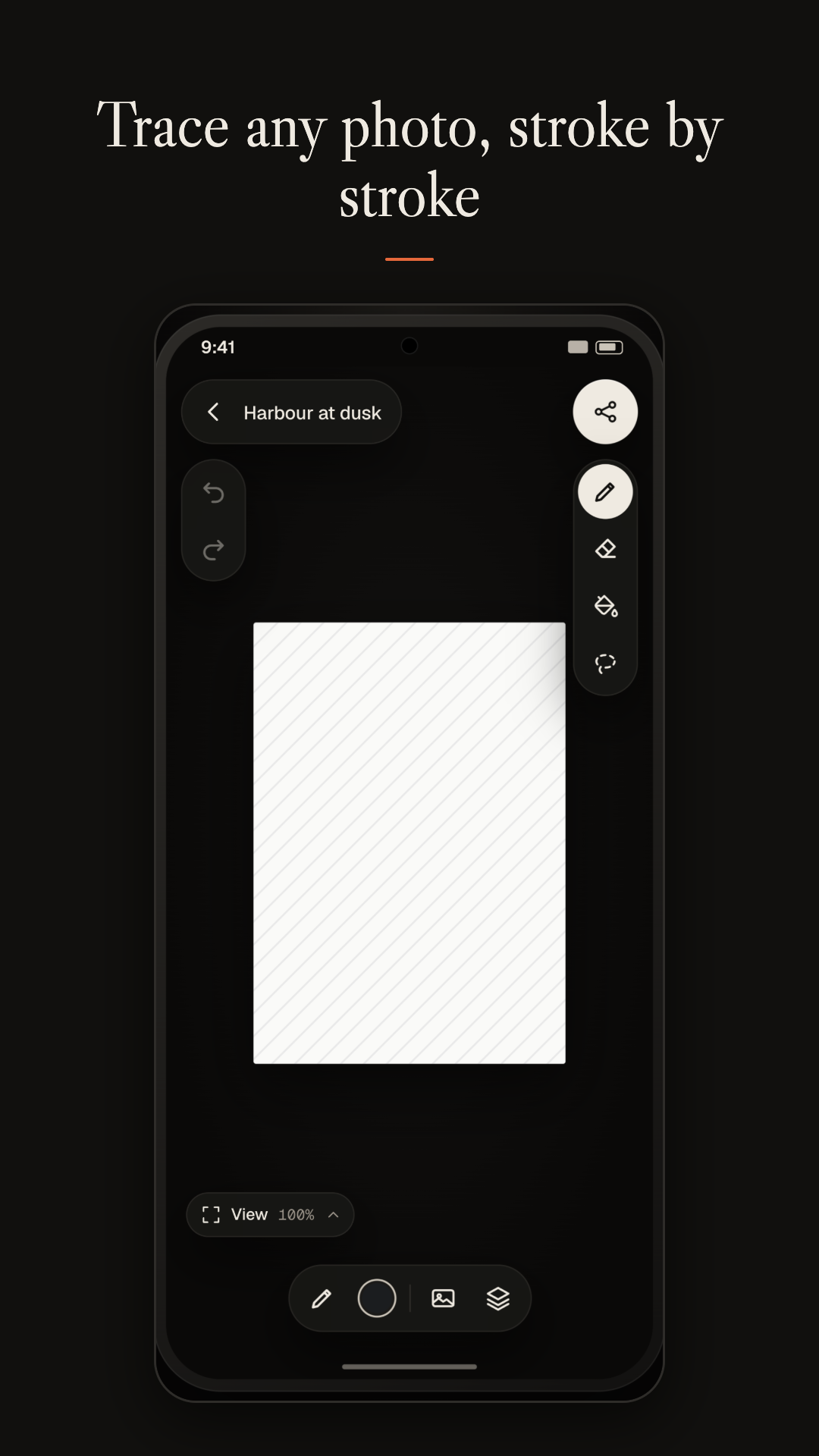
Choose a photo with the Android photo picker and set how strongly it shows through. Rotate it, flip it, scale it, or add several reference photos at once. Your drawing and the photo always move together when you pan and zoom, so your lines stay where you put them.

Draw the way you like

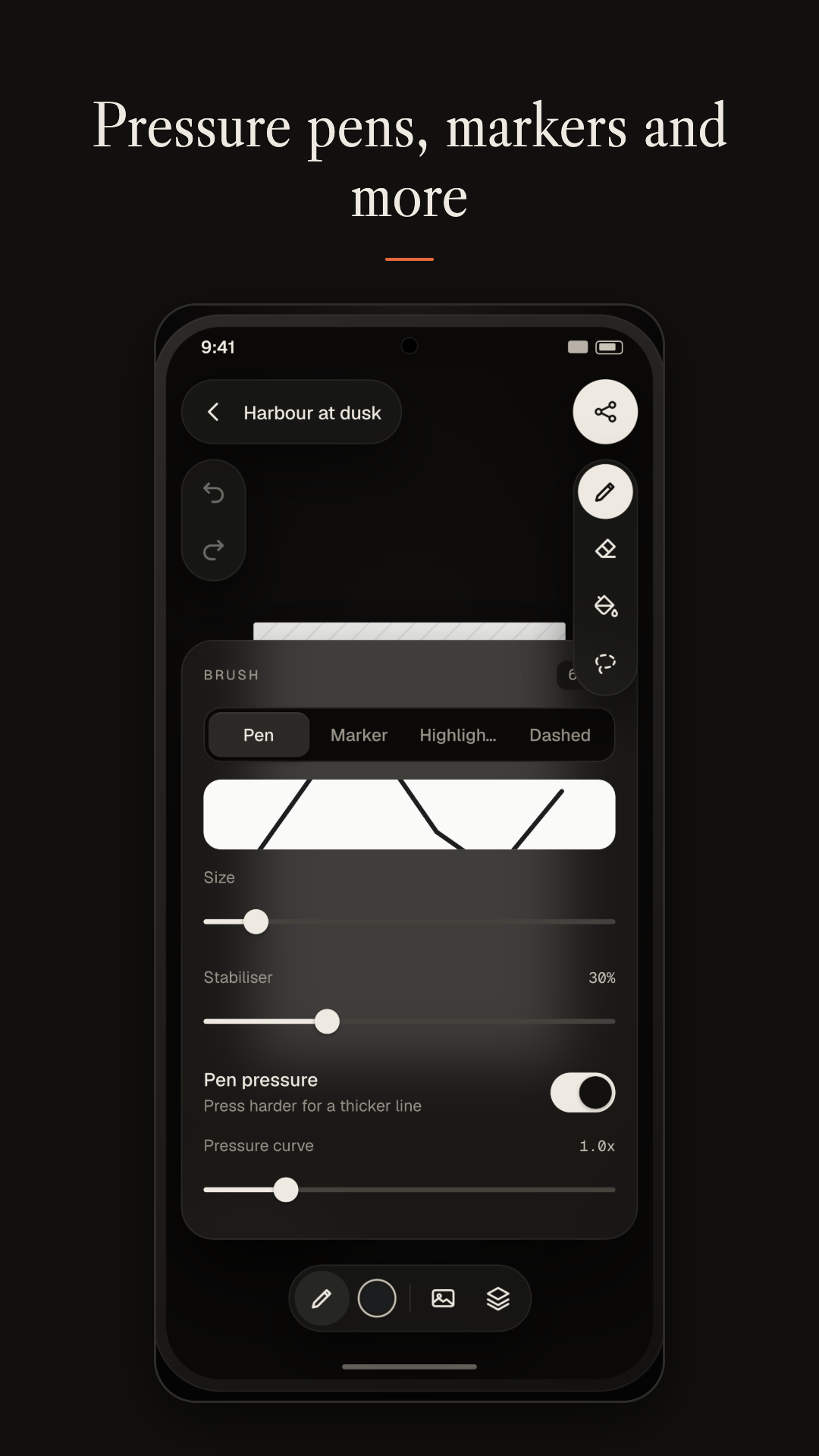
Pressure-sensitive pens, markers and highlighters give you a natural line. A brush eraser removes just what you touch. A fill bucket and a lasso selection tool handle the in-between work, and palettes with an HSV colour picker keep your favourite colours close.

Layers and guides

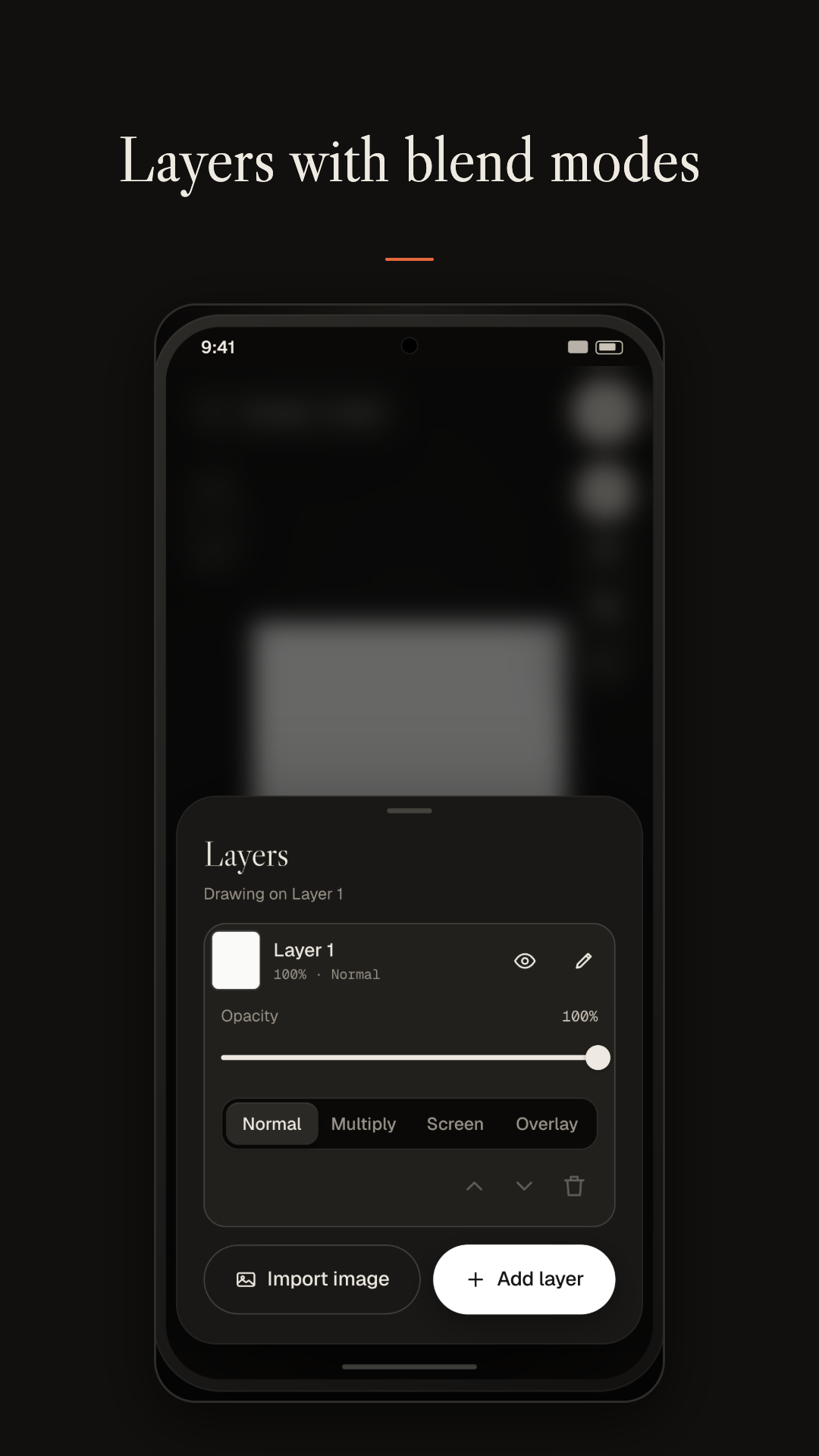
Work in layers with opacity, blend modes and image import. Turn on a grid, symmetry guides, snapping and perspective guides when you need precision. Rotate the canvas to the angle that suits your hand, or go full screen to focus on the drawing.

Replay and export

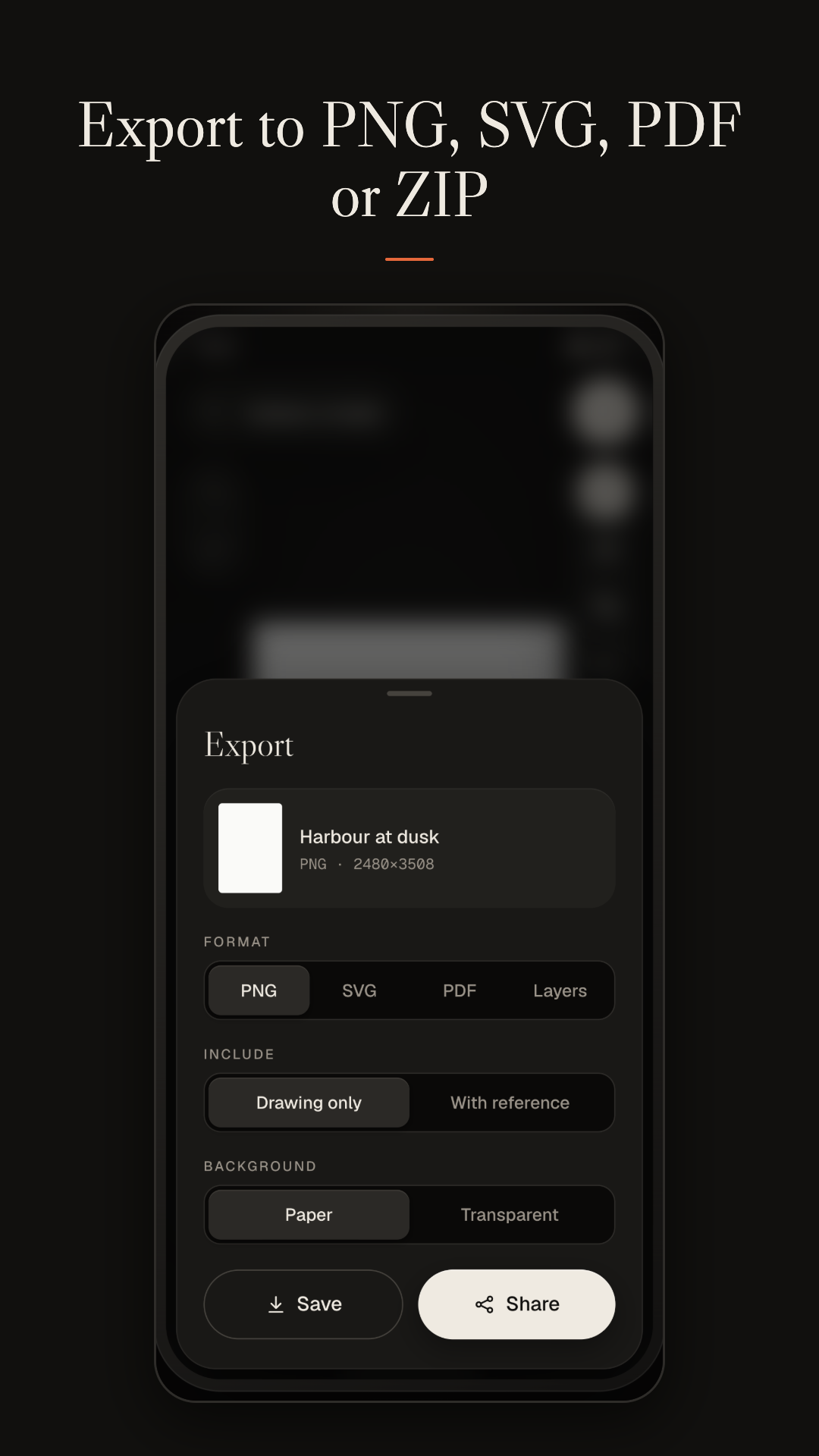
Replay any sketch stroke by stroke and watch it come together. Export to PNG, SVG or PDF, or save a layered ZIP to keep working elsewhere. You can also back up your sketches locally and restore them later.

Private by design

Everything stays on your device, with no account, no cloud, no analytics and no ads. Your sketches and photos are stored in the app's private storage and are never uploaded. Files are saved to Pictures or Downloads only when you ask for an export.
Features at a glance

  • Blank canvas or photo tracing with adjustable visibility
  • Pressure pens, markers, highlighters and a brush eraser
  • Layers with opacity, blend modes and image import
  • Grid, symmetry, snap and perspective guides
  • Reference photo adjust: rotate, flip, multiple photos
  • Fill bucket, lasso, palettes and an HSV colour picker
  • Canvas rotation and full-screen mode
  • Stroke replay
  • Export to PNG, SVG, PDF and layered ZIP
  • Local backup and restore
  • Paid once on Google Play, everything included
  • No account, no cloud, no analytics, no ads

Screenshots

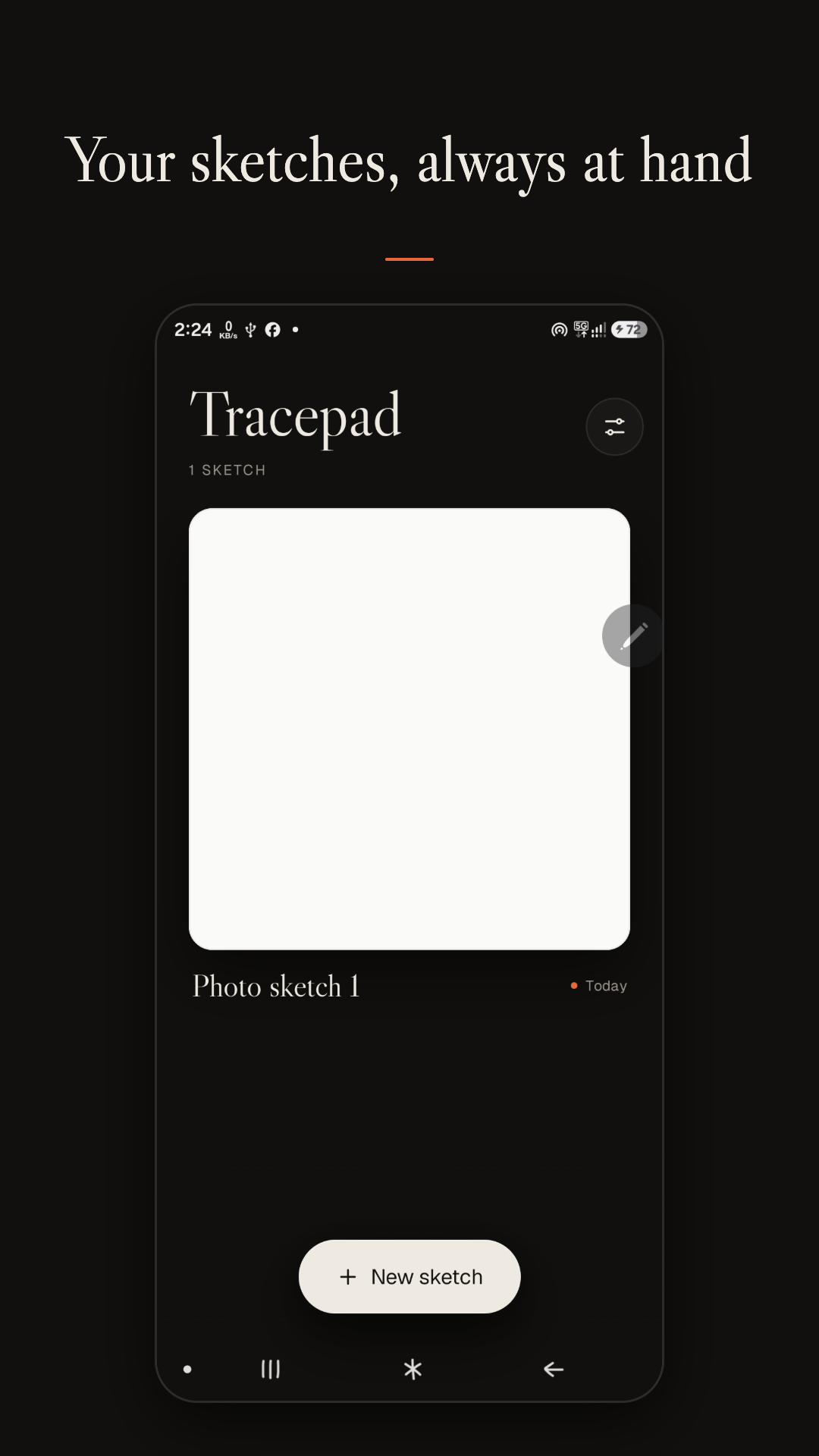
  • Tracepad gallery showing a saved sketch with its name and date, and a New sketch button.
    Gallery
  • Tracepad editor with a sheet of paper on the canvas, drawing tools down the right edge and a colour and layers toolbar along the bottom.
    Editor
  • Tracepad brush panel with Pen, Marker, Highlighter and Dashed styles, size and stabiliser sliders and a pen pressure switch.
    Brushes
  • Tracepad layers panel with an opacity slider, Normal, Multiply, Screen and Overlay blend modes, and Import image and Add layer buttons.
    Layers
  • Tracepad export sheet with PNG, SVG, PDF and Layers format choices, drawing and background options, and Save and Share buttons.
    Export

Pricing

Tracepad is a paid app with a single one-time price. No subscription, no in-app purchases, no ads.

Everything is included from the moment you install it.

Get it on Google Play

Privacy

Everything you make in Tracepad stays on your device. There is no account, no analytics, no advertising and no server of our own. We do not collect, receive or share your personal information.

Read the full privacy policy